Glass Product Shot
A premium product visual for fashion, fragrance, and tech.

Pixora
Explore a free GPT Image 2 generator for text prompts and reference-based creation. No signup required.
Open creation workspaceStyle templates
A premium product visual for fashion, fragrance, and tech.
Clean, gentle portrait style for social profiles and characters.
A story-driven frame for covers, scenes, and world building.
For event covers, social campaigns, and product launches.
For home styling, rental rooms, and showroom concepts.
For portraits, outfit showcases, and cover images.
Why use it
No account and no login flow. Open the page, describe the image, and start generating.
GPT Image 2 supports text-to-image, reference-based creation, prompt polishing, and up to 4K output.
Choose aspect ratio, size, quality, background, and output format, with support for up to 4K output.
AI Image Workspace
Enter a prompt, choose model, ratio, size, and quality, then generate images you can keep working with.
Upload an image as a style or composition reference.
Improve short descriptions with clearer subject, lighting, composition, and detail.
Review parameters, regenerate, or reuse a result as a reference image.
AI image generator
Pixora is a free GPT Image 2 AI image generator for everyday image creation. No signup, no login, and open to anyone. GPT Image 2 supports text-to-image, reference-based creation, prompt polishing, and up to 4K output.
 Avatar
 Poster
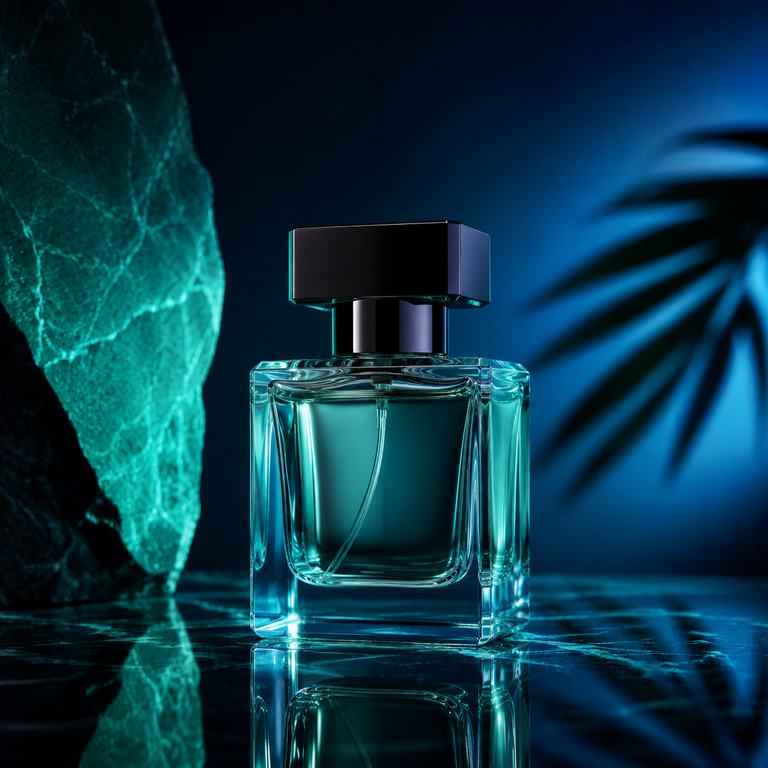 E-commerce
 Cover
CoverFAQ
Yes. Pixora is a free GPT Image 2 AI image generator with no signup or login. It runs on spare resources, so availability is not guaranteed at all times.
Yes. GPT Image 2 is available for free image generation. Enter a prompt, choose size and format, then create an image online without creating an account.
Yes. The create page is designed for quick GPT Image 2 generation without login, while still using quotas and safety checks to keep the free service available.
Each IP or visitor gets 1 free trial generation. After that, each rewarded ad unlocks 1 more image. The site also has a daily image pool released in batches; if the current pool is used up, you need to wait for the next release.
Yes. The create page supports one reference image to guide the new image, composition, or style.
When your description is short, the AI polish button can add subject, scene, lighting, composition, and useful visual details.
Yes. You can choose ratio, size, quality, background, and output format. Current size options include 1K, 2K, and 4K.
Yes. Click a generated result to view its prompt and parameters, then regenerate or use it as a reference image.
No long-term hosting is provided. Generated results, reference images, and sessions may not be recoverable later, so download and back up anything important.
Pixora does not guarantee commercial usability, copyright safety, or uniqueness. Before publishing, selling, or delivering work, verify rights, licenses, platform rules, and local laws yourself.
Sexual content, inappropriate minor-related content, extreme violence, hate, political manipulation, fraud, malicious impersonation, privacy violations, and infringement may be restricted. Bulk requests or quota bypass attempts may also trigger limits.
It works well for avatars, product hero images, event posters, social visuals, book covers, realistic scenes, interiors, and concept sketches.